
Product
—— PRODUCTS CENTER ——
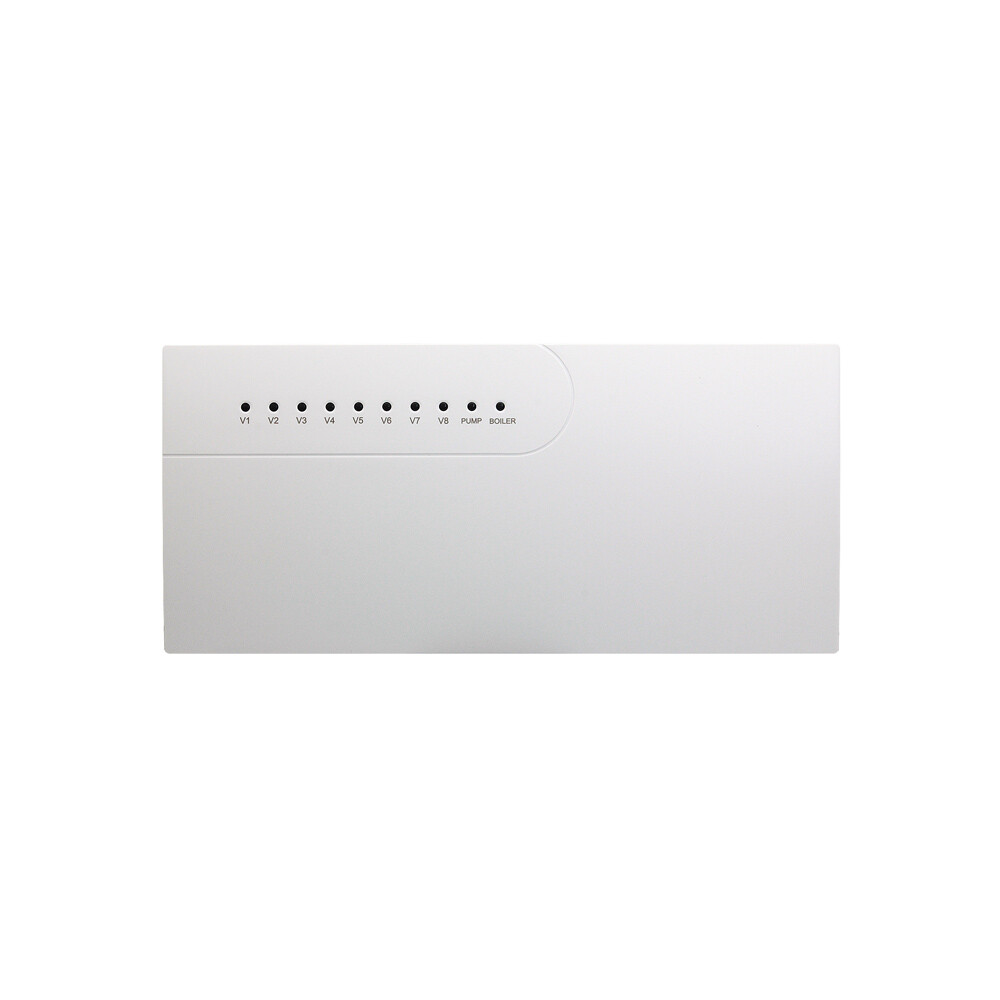
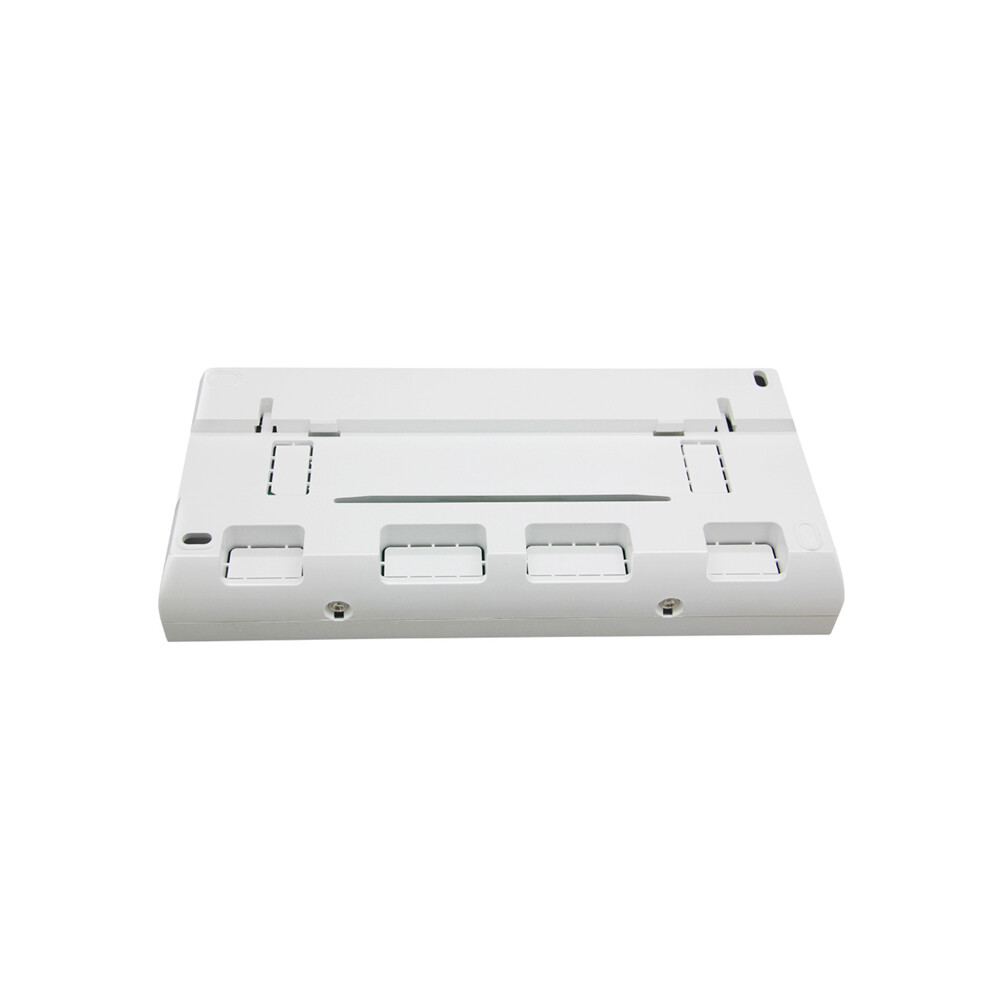
CCT-10-X
About this item
• Supply: AC100- 240V
• Load Current: 10A
• Connection: Wireless
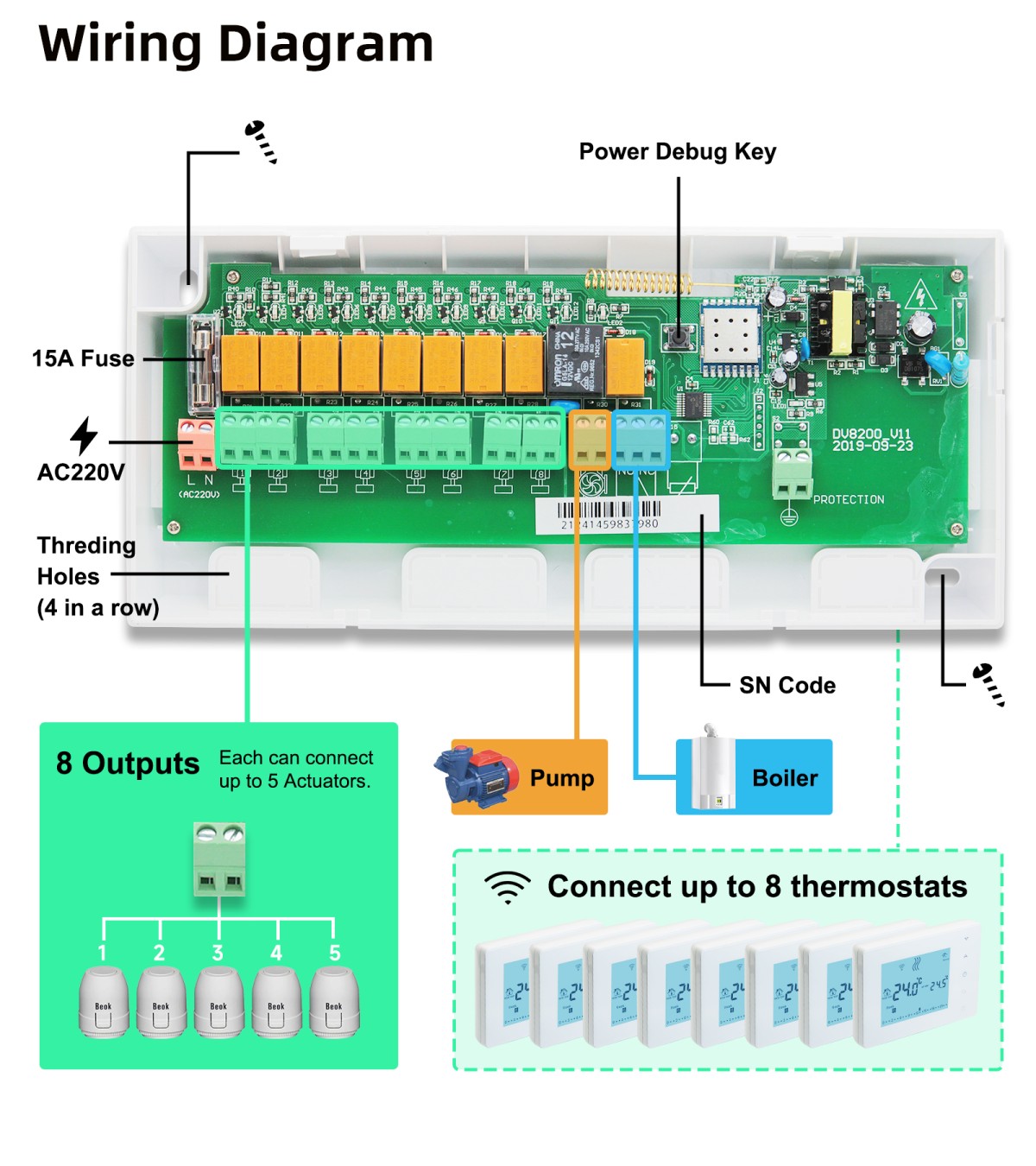
• Number of circuits: 8 Loops
• Color: White
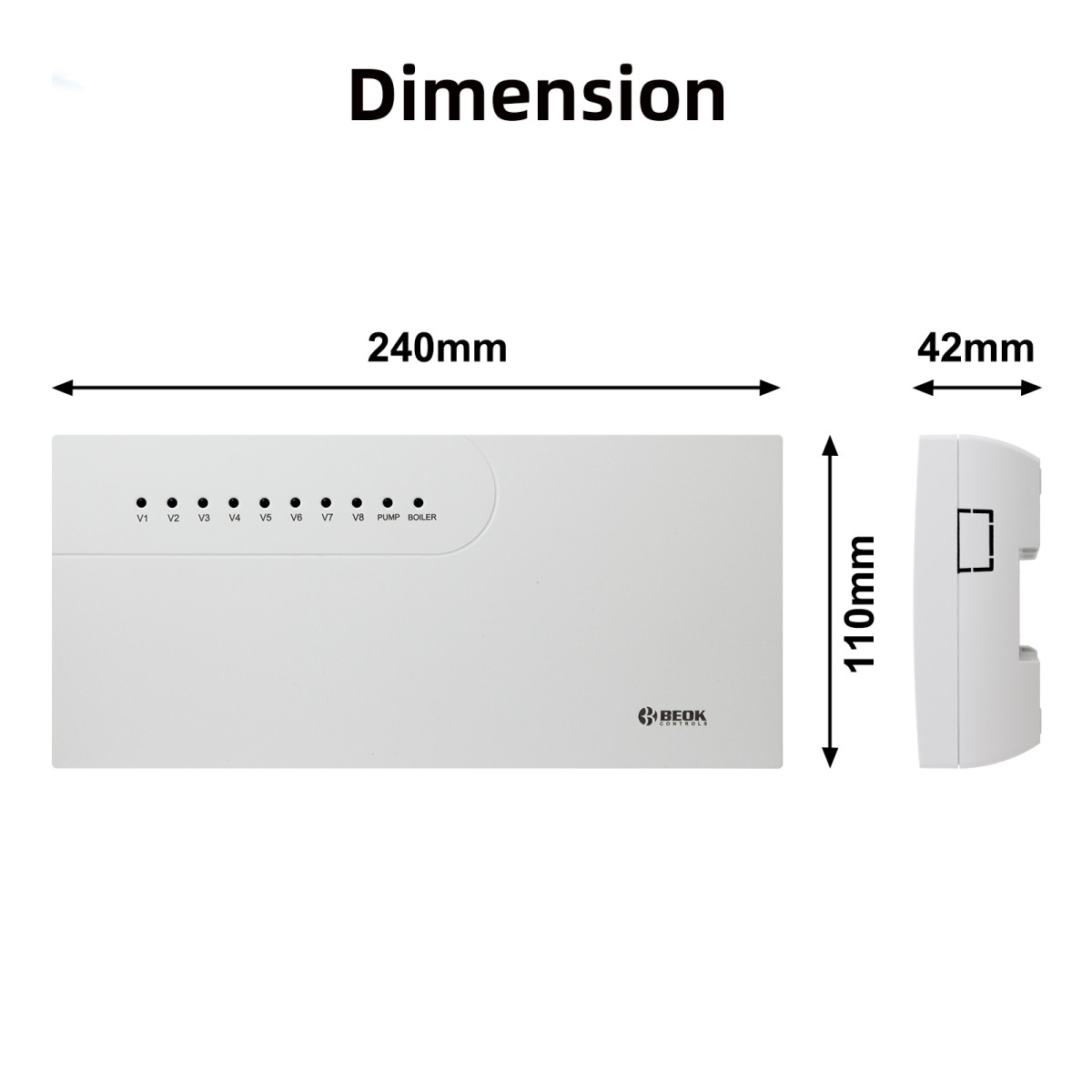
• Dimensions: 180x110x40 mm
Technical Data
Model Spec
Product Display
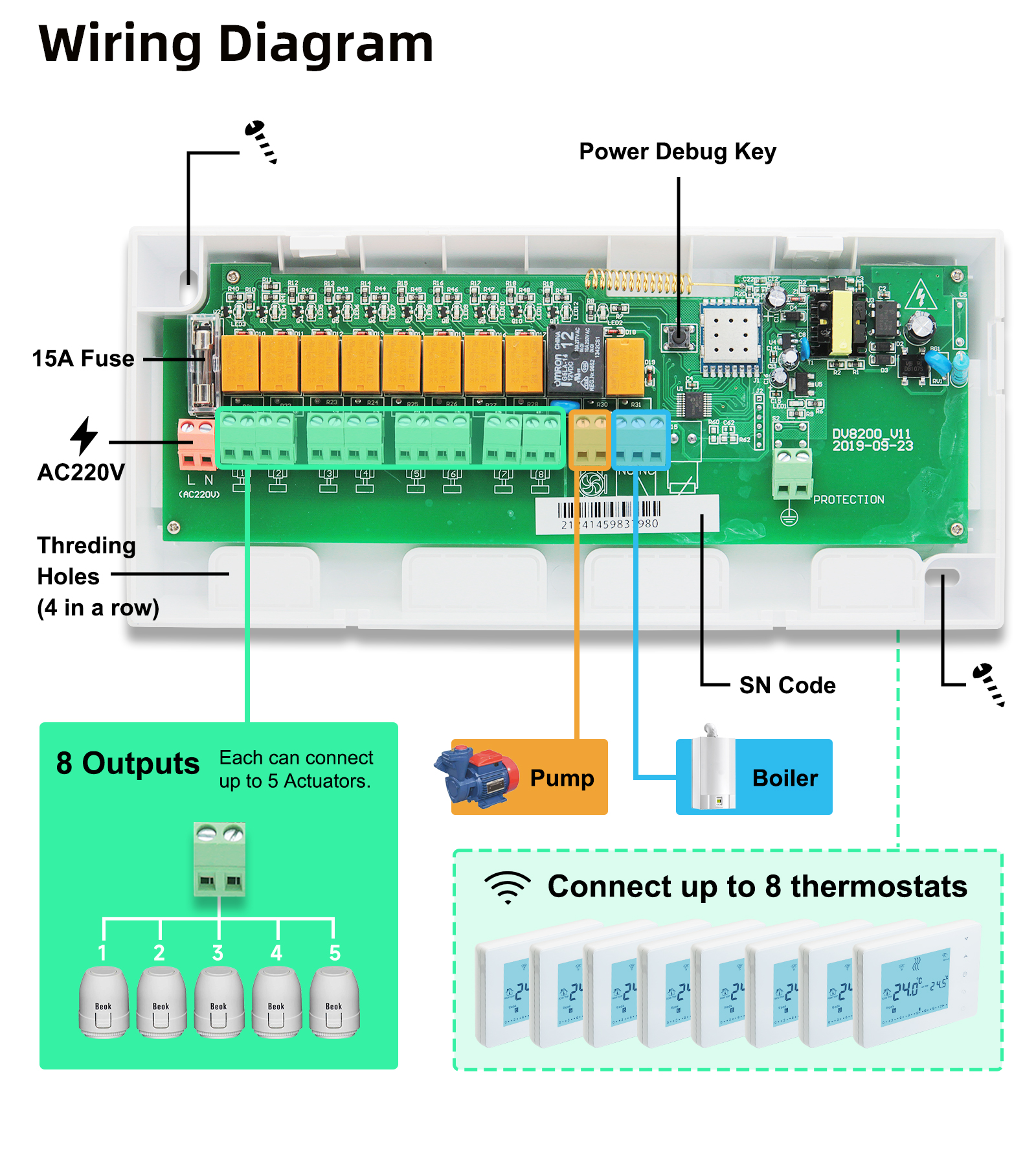
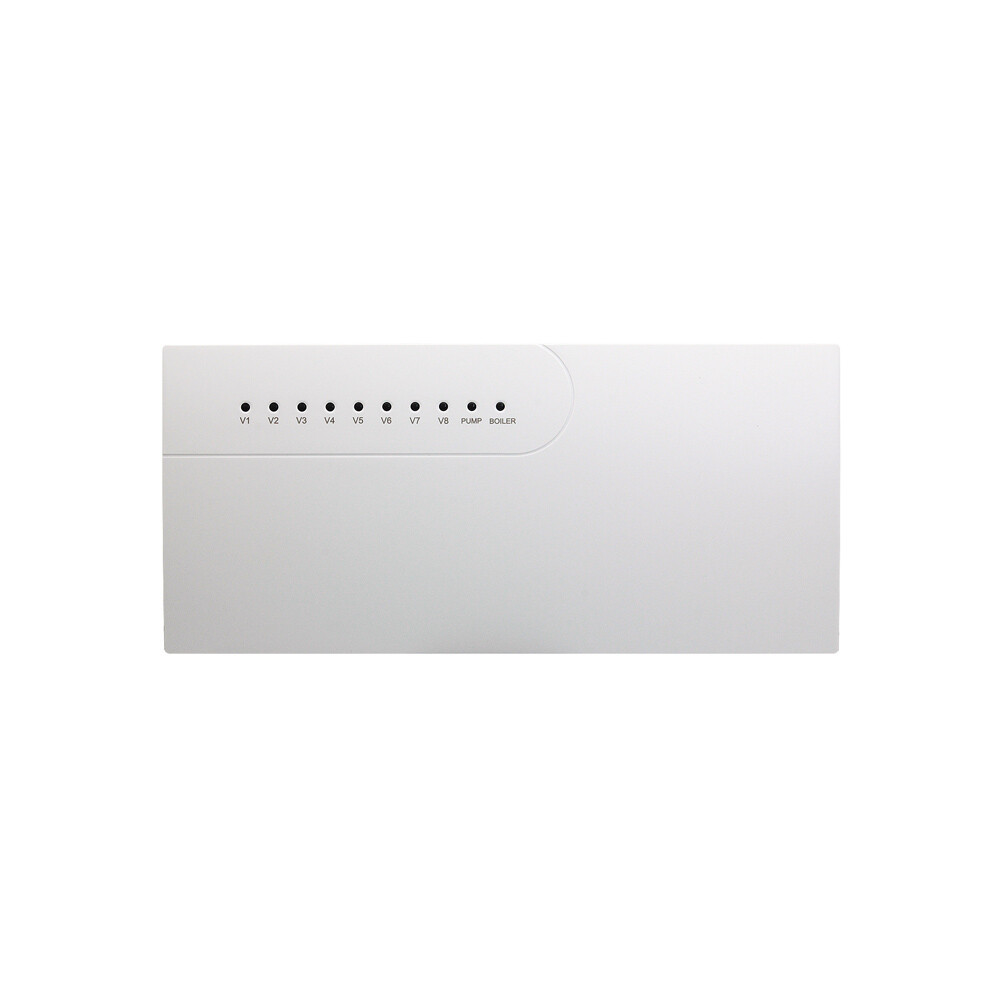
CCT-10-X Wireless Underfloor Heating Controller is used for hydraulic underfloor heating system. It can control boiler, zone valves, wireless boiler thermostats, circulating pump, electric actuators and various mixing valves. According to user's set temperature, the hub controller can control to open or close boiler, circulating pump and electric actuators, to achieve the purpose of comfort and energy consumption saving.
CCT-10-X central controller is radio frequency wireless type, it does not need wires to connect thermostats. It can work with our rf wireless thermostat BOT-X306 and rf wireless WiFi thermostat BOT306RF-WIFI. Each hub controller can control up to 8 thermostats.
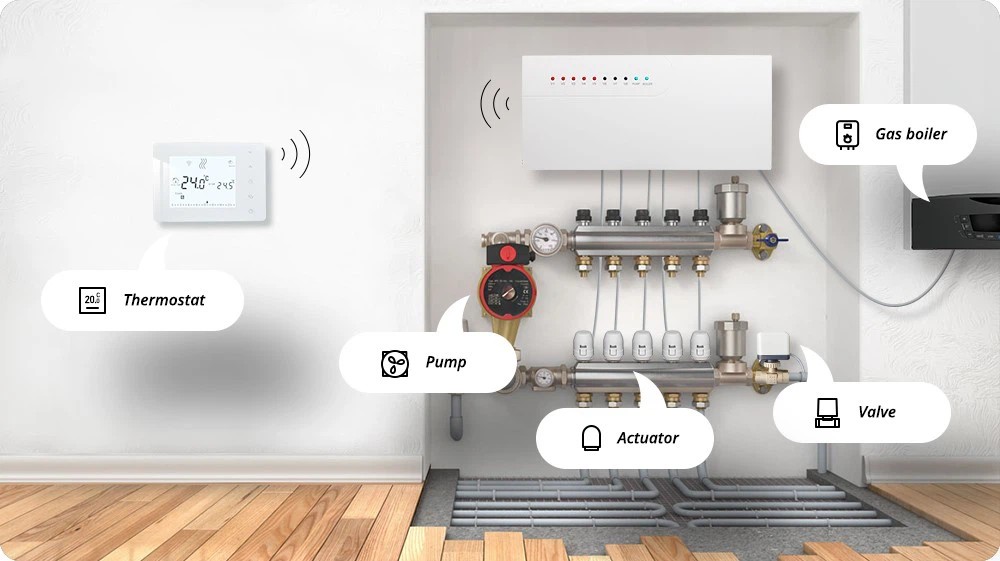
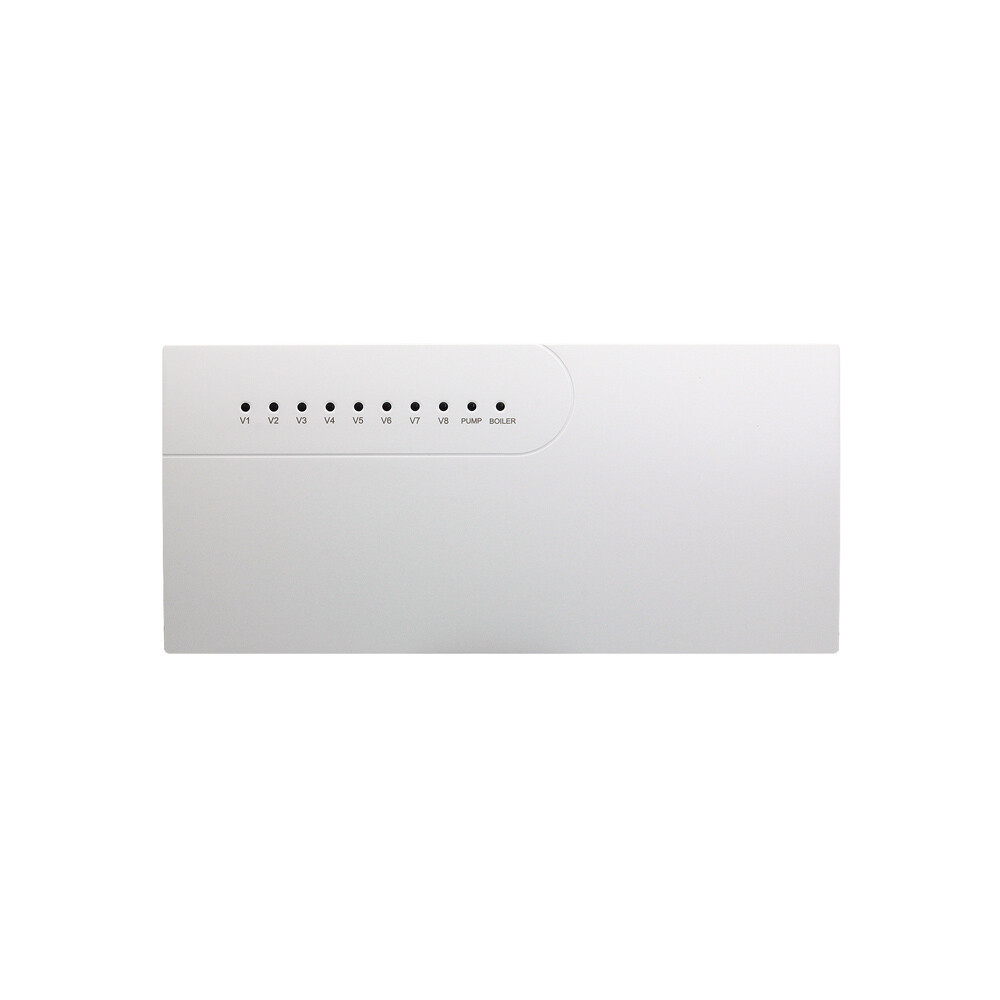
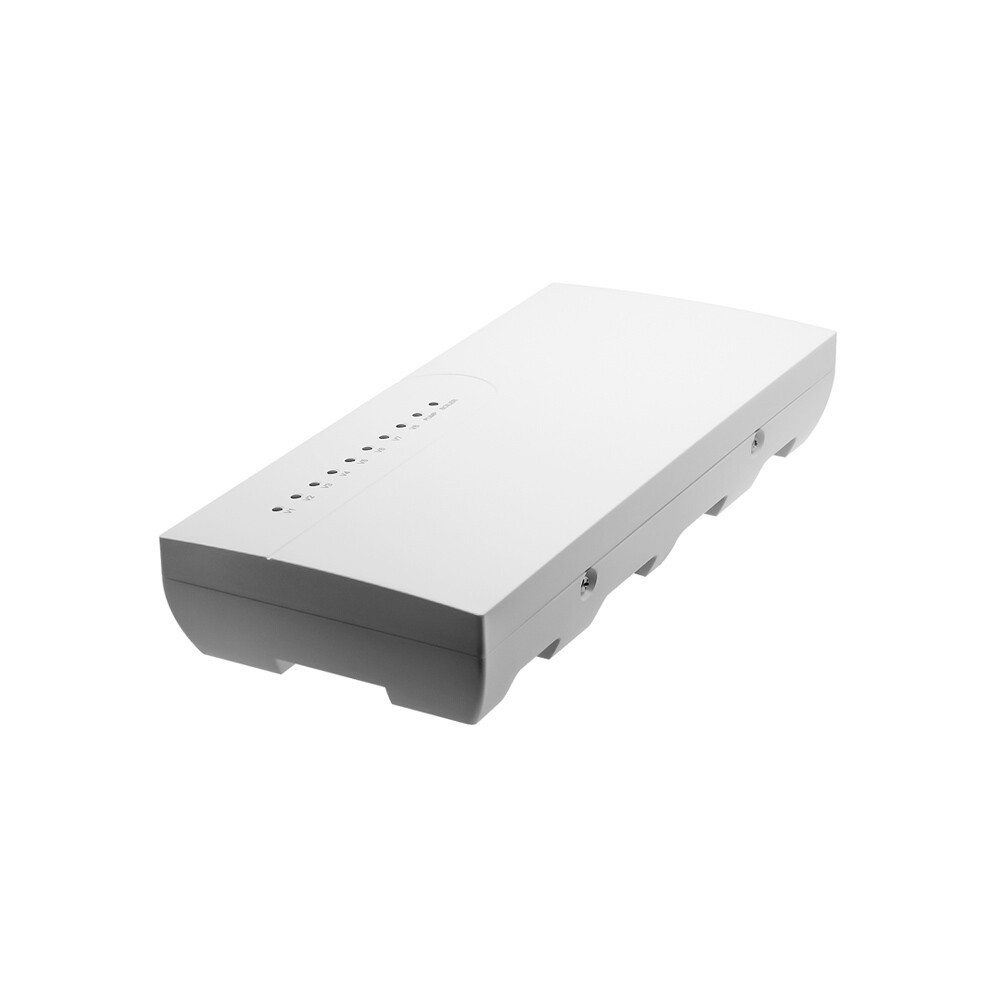
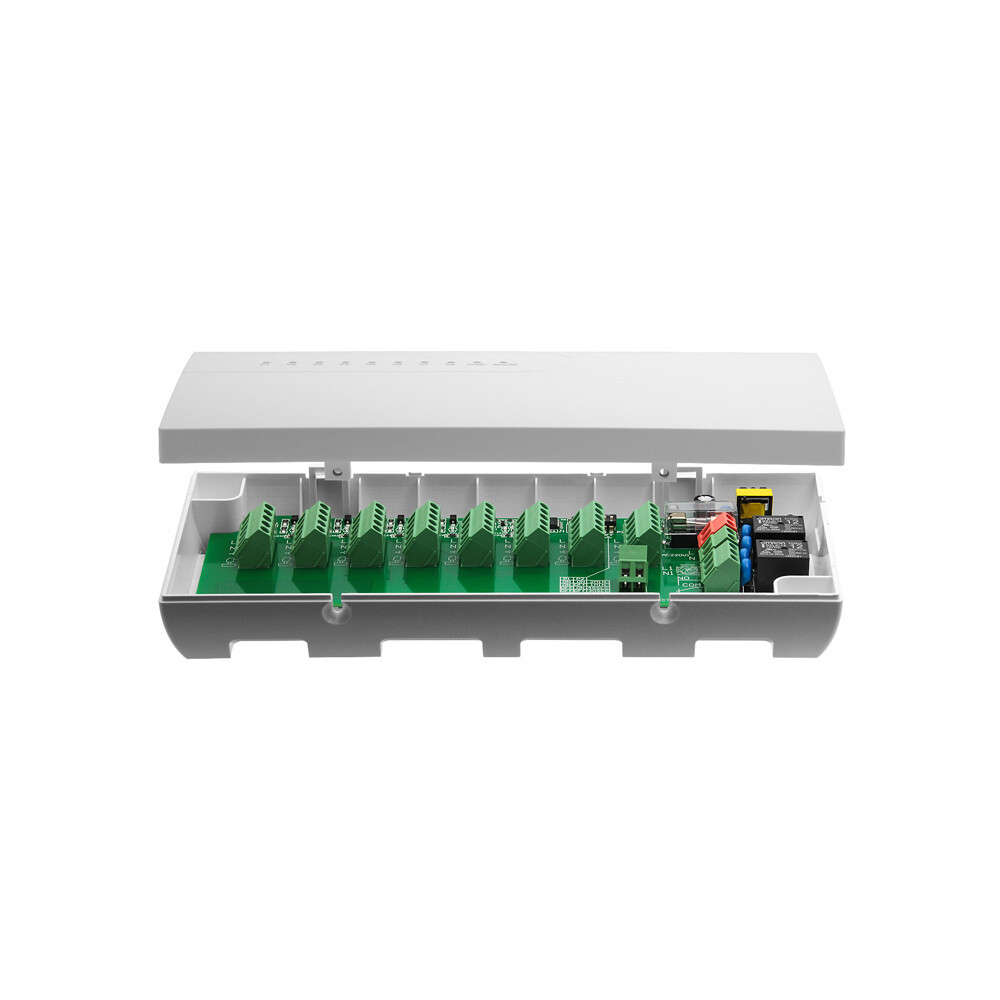
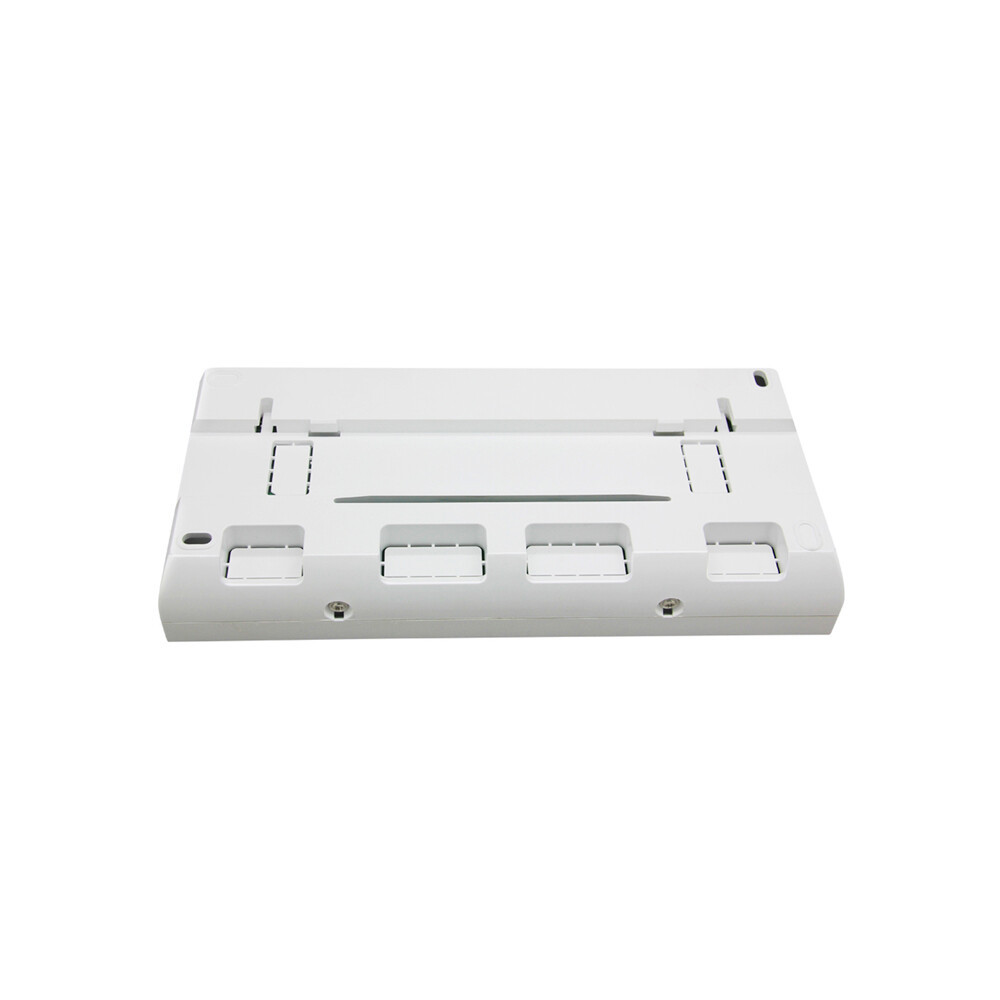
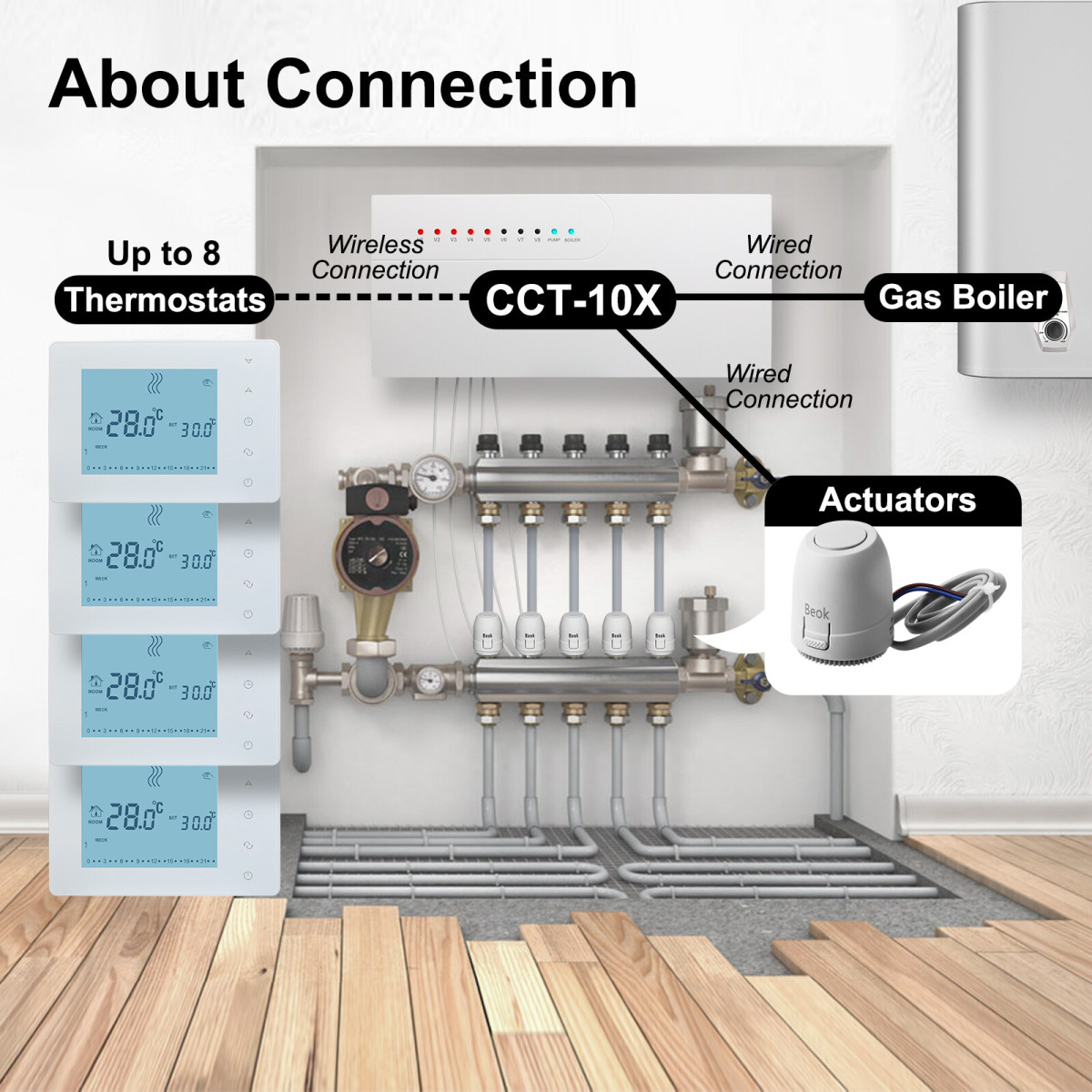
CCT-10-X Heating Control System
This system connects up to 8 thermostats wirelessly and actuators/gas boilers via wired connections, enabling integrated and flexible control of your heating setup.
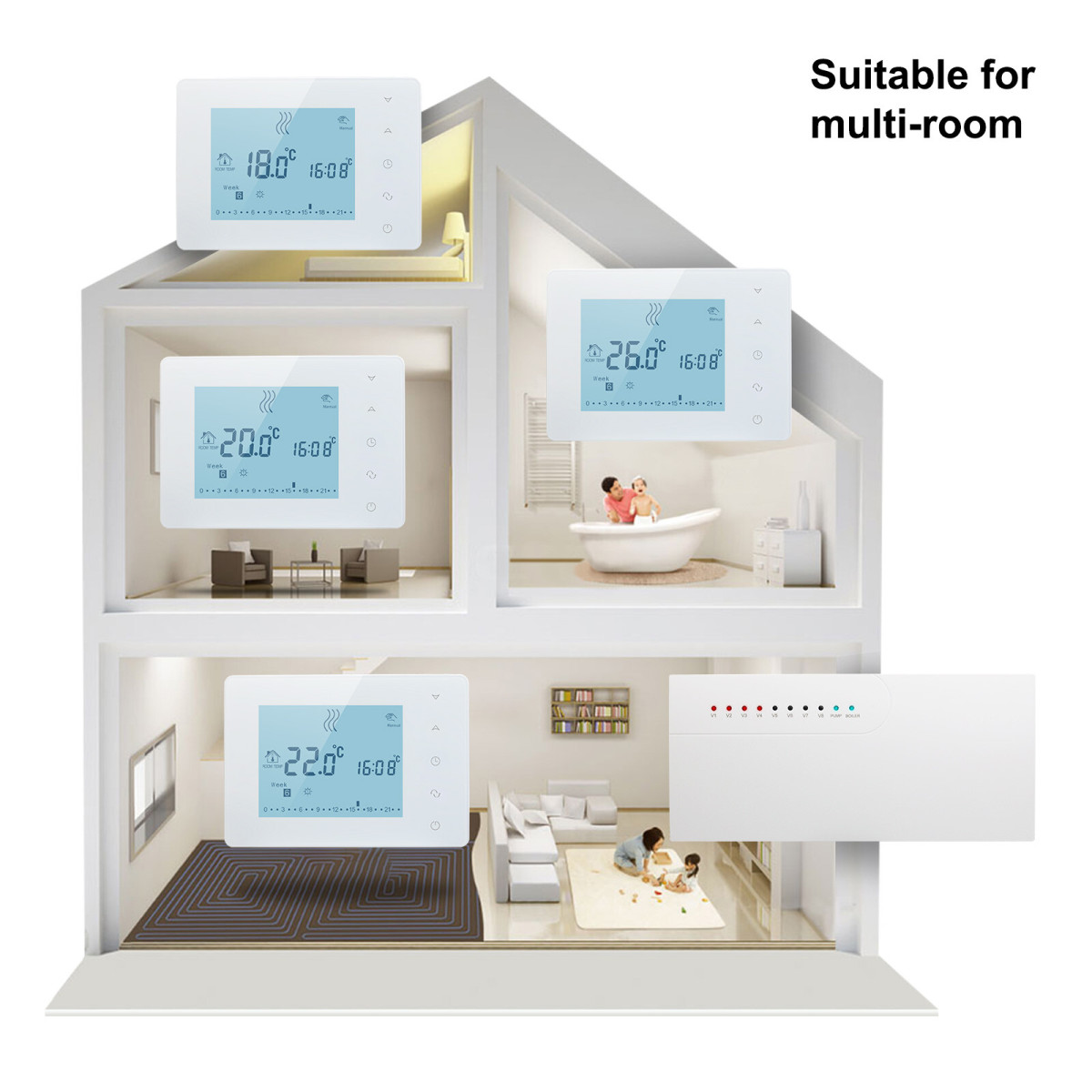
Multi-Room Smart Thermostat System
This system is ideal for multi-room setups, enabling independent temperature control in each area via dedicated thermostats and a central hub for personalized home comfort.
1. Q: Can I install this hub controller by myself? Do I need to hire an electrician?
A: Regarding the installation of the hub controller, we first recommend that you operate in strict accordance with the steps in the product manual under the guidance of professionals to ensure standardized installation and stable subsequent operation of the device. If you choose to install it yourself, you must carefully read the manual in advance, fully master the installation process, wiring requirements and safety precautions before starting the operation, so as to avoid affecting the device's function or causing potential safety hazards due to improper operation.
2. Q: What devices can be connected to an 8 loops wireless hub?
A: It supports wireless control devices, such as wireless wall-mounted boiler thermostats, electric actuators, and pumps. Each channel corresponds to a zone/device, and it is compatible with most RF or Zigbee compatible low-voltage devices. Please avoid directly connecting high-power appliances.
3. Q: What to do if a zone’s device fails to connect wirelessly?
A: First, check if the device is powered on and within the hub’s wireless range. Reset the device and hub, then re-pair them. If issues persist, update the hub’s firmware or replace the device’s batteries (for battery-powered actuators).
4. Q: How long is the product warranty period?
A: Our products come with a 2-year free warranty. If there is a quality issue (such as failure to turn on or unresponsive buttons) after you receive the goods, you can contact the after-sales customer service and provide the order number and photos of the problem. We will arrange for a replacement or repair.
Recommended
Online Consultation